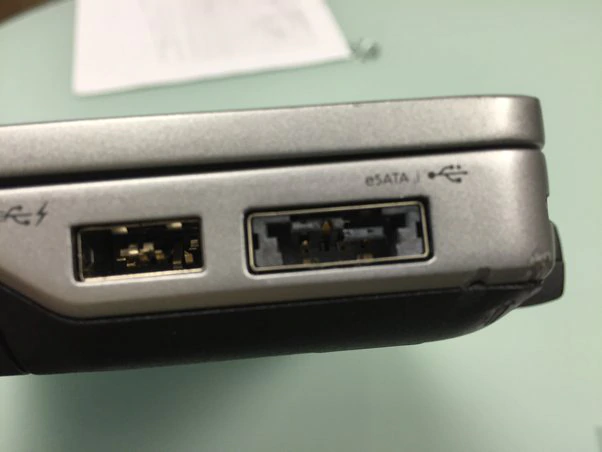
Repair or replacement of USB ports on a laptop.
Laptop USB port repair and replacement in Warsaw. Call 888 872 765 before visiting.

Loose USB port, no connection with flash drives, or sparking when plugging in? We repair or replace USB ports and fix motherboard connections.

USB repair in a laptop

USB port repair or replacement in a laptop it may be necessary when the port stops working or is mechanically damaged. Replacing the port involves dismantling (desoldering) the old port and installing a new one in its place. Repair may include repairing a broken solder plug or replacing a damaged port controller.

Before starting repairs or replacing the USB port in a laptop, it is important to unplug the laptop and remove the battery to avoid the risk of electric shock or damage to components.

First, carefully check whether the USB port problem is not caused by another source, such as a problem with the system software or device drivers. This can be done by uninstalling and reinstalling the drivers or running the operating system diagnostic tools.

If the problem is not resolved, proceed with replacing or USB port repair. The procedure varies depending on the laptop model and USB port type, so please read the user manual carefully or consult an experienced technician.

If you are replacing the USB port, it may be necessary to unscrew the mounting screws and gently disconnect the cables and solder the new port. For repairs, you may need to solder a new USB plug or replace the port controller.

Once the repair or replacement is completed, it should be thoroughly tested USB portto make sure it's working properly and there are no other problems with your laptop. Our laptop service in Warsaw offers USB port replacement and repair services.


USB 1.0/1.1 - The first version of the USB standard that offered data transfer speeds of up to 12 Mb/s. It was available in two types of connectors: Type A (rectangular) and Type B (square).

USB 2.0 - Improved version of USB 1.0/1.1, which offers data transfer speeds of up to 480 Mb/s. It comes in the same types of connectors as USB 1.0/1.1.

USB 3.0 - Currently the most popular USB version, offering data transfer speeds of up to 5 Gb/s. It comes in three types of connectors: Type A (rectangular), Type B (square) and Micro-USB (flat).

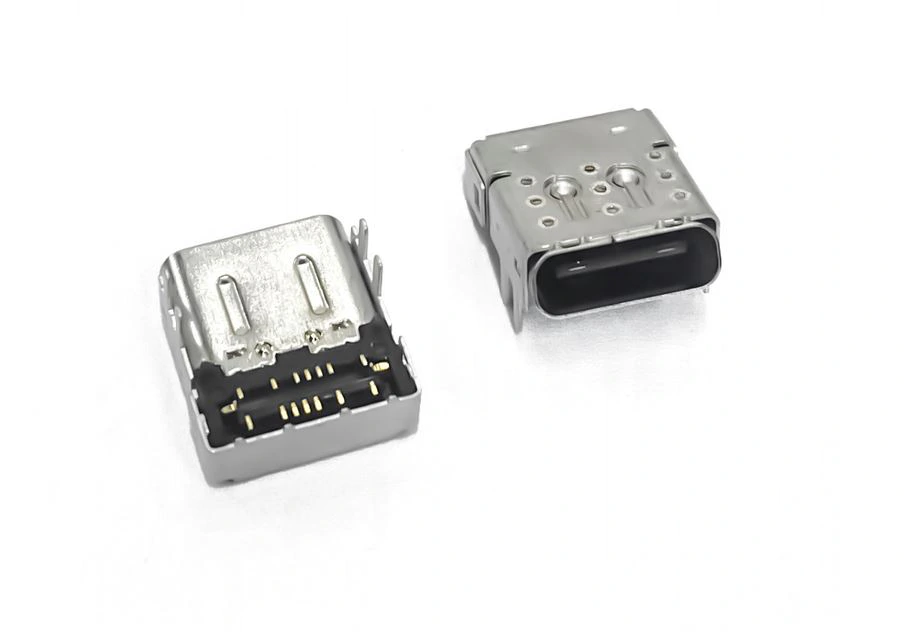
USB-C - The latest version of USB, which offers data transfer speeds of up to 10 Gb/s and many other functionalities, such as charging the device, transmitting audio and video signals, and connecting to the Internet. It comes in a Type C (round) connector.

USB port loose or dead? Call 888 872 765 - a faulty port can damage devices, so repair it sooner rather than later.

Frequently asked questions

My USB port is loose - can it be fixed?

Yes - we usually replace or repair the port or fix motherboard traces.

Can a bad USB port damage a flash drive?

Yes - a loose or shorted port can harm devices. Stop using it until repaired.

Will USB repair affect my data?

No - it is hardware repair only.

How long does USB port repair take?

Depends on the model; many cases are same-day after diagnosis.

How do I book USB repair?

Call 888 872 765 or email eska@naprawykomputerowe.com.pl. Please call before visiting.

Contact

Pogotowie Komputerowe Warsaw

Myśliborska 26A,
03-185 Warszawa
eska@naprawykomputerowe.com.pl Call before arrival! 888 872 765 Mo-Su 00:00-23:45